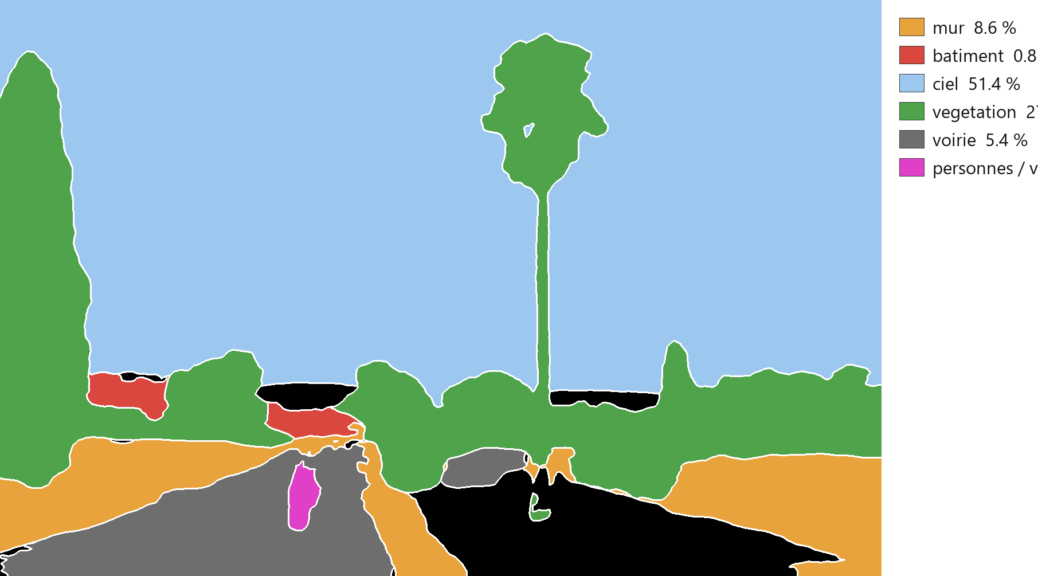
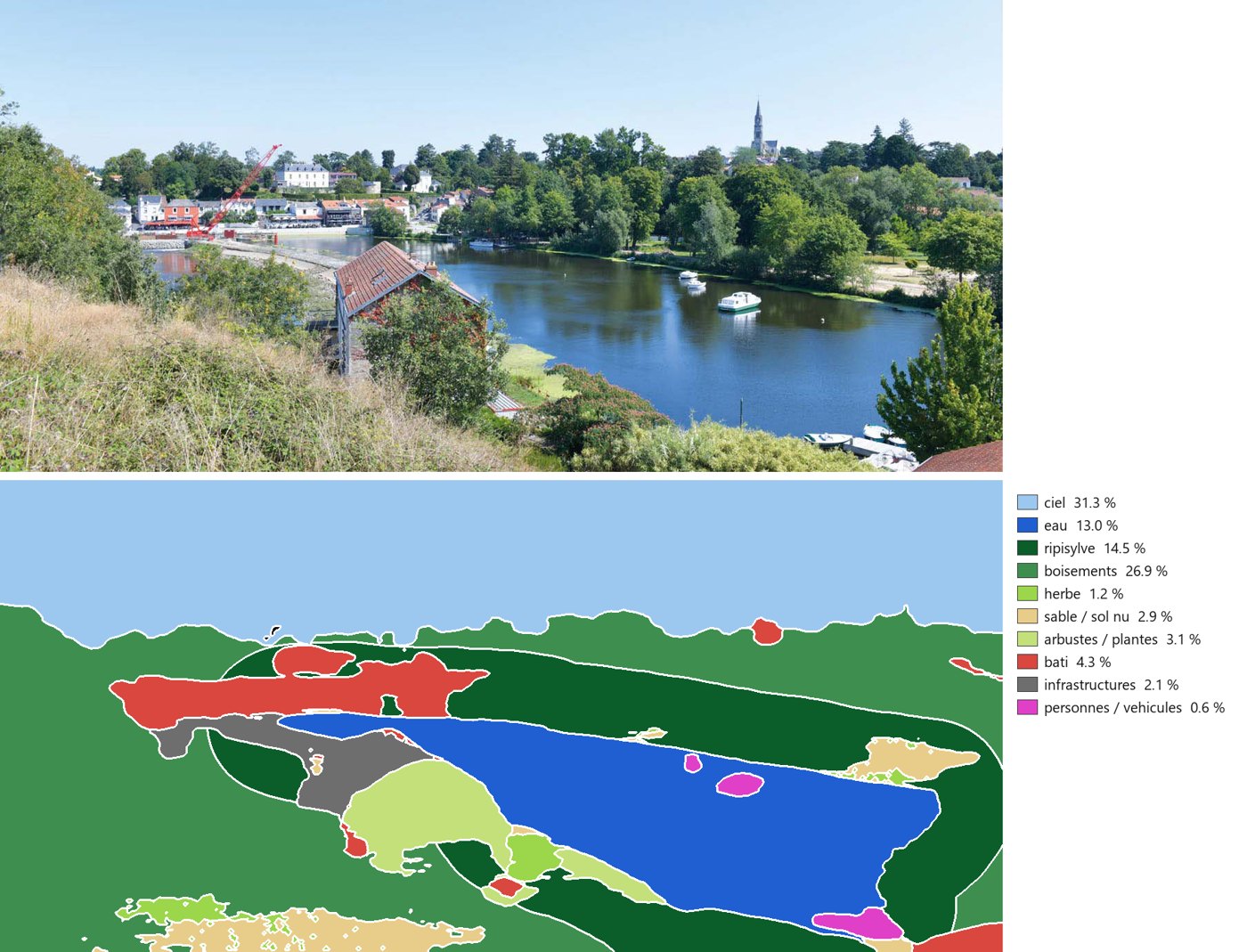
En quatre étapes, ComfyUI transforme une photo de paysage en carte en couleurs : ciel, eau, ripisylve, boisements, herbe, sable, bâti, infrastructures, avec la surface occupée par chaque classe. Tout tourne en local, en moins de 6 secondes par image sur une carte graphique grand public (RTX 3080, 10 Go).
En haut, la photo d’origine ; en bas, la carte produite par le workflow, avec sa légende et la surface de chaque classe.
Flux 2 provides superior precision for image creation, particularly when the process involves transformation, integration, or composition. Being free and open-source, it stands as a compelling alternative to Nano banana.
In architecture, certain functionalities are invaluable for rapidly transforming concepts into visual representations.
Unlike a standard VAE, this approach utilizes novel nodes: an Inpaint crop acting as a ‘spying glass’ and the Flux Enhancer node, which is instrumental in preventing the model from generating hallucinations.
This tutorial guides you through the provided workflow to extend an image.
Understanding Outpainting
Outpainting, also known as uncropping, is a process that extends an image beyond its original borders by generating new content that seamlessly blends with the existing picture. Unlike inpainting, which fills a masked area within an image, outpainting adds new content to the empty space around an image.
Laurent Lescop – 3D Viz – Parametric Design – Immersion – AI // Recherches et réalisations de Laurent Lescop en visualisation 3D, conception paramétrique, immersion et IA appliquées à l'architecture.